Build business apps instantly
and keep them structured as you scale.
PeckPoint helps you install or generate full systems (HRM, CRM, School, operations) in minutes — then evolve them with clean data models, product-like views, workflows, and role-based portals.

One-click install with roles, workflows, and dashboards ready.
Blueprint first, then generate a working system you can edit.
Model data, create views, add workflows, set access control.
Three ways to build on PeckPoint
Install a ready-made system, generate with AI, or build manually — all powered by the same engine so you can evolve without rewrites.
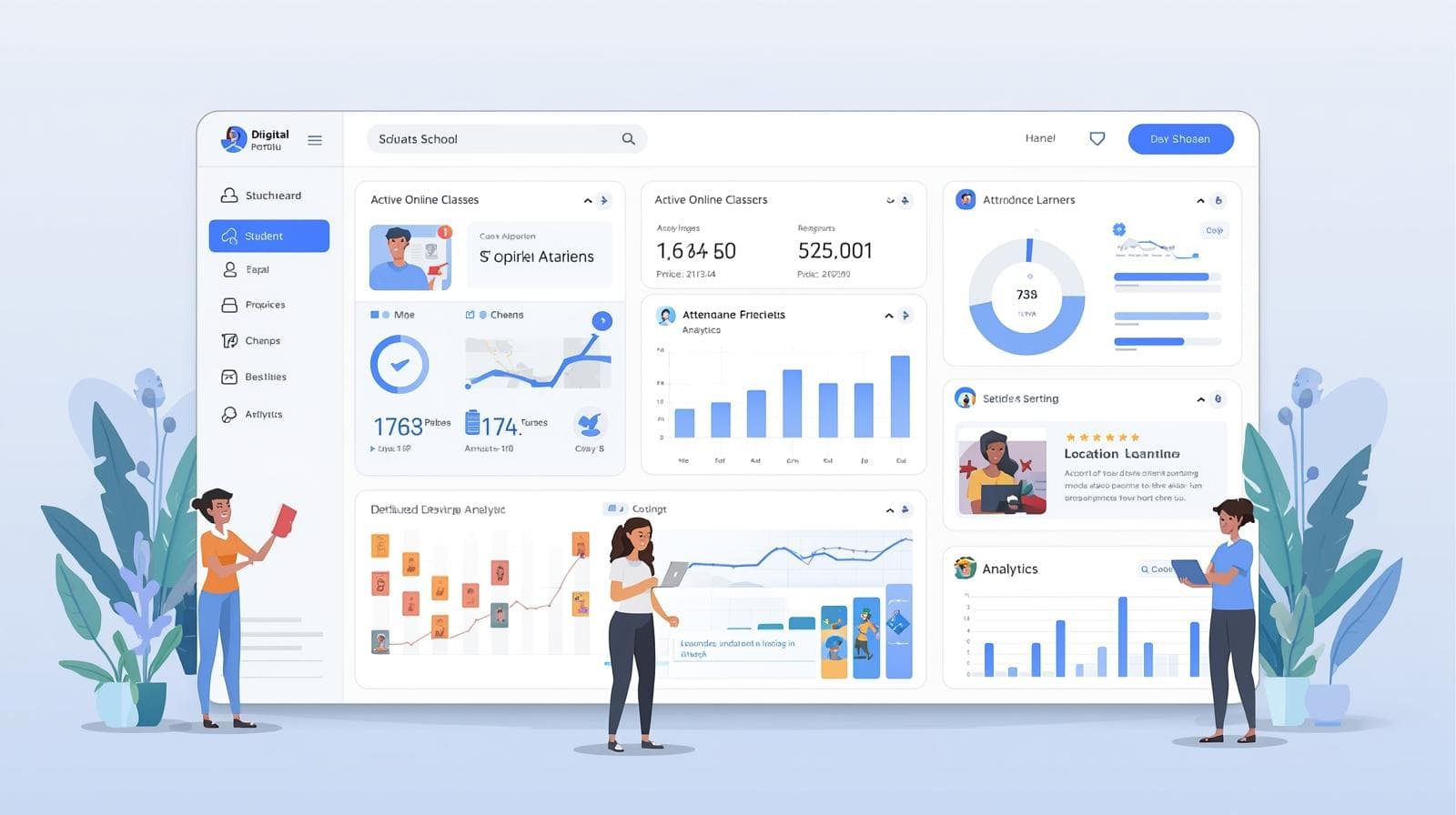
Choose HRM, CRM, School, and more. One-click install. Start using immediately.
- • Managed or editable
- • Version updates
- • Best-practice workflows

Describe what you want. AI drafts a blueprint, you review, then generate a working system.
- • Blueprint first
- • Validation checks
- • Generate screens + workflows

Model data, create views, design workflows, set roles, and publish — no code required.
- • Entities + fields
- • Views + dashboards
- • Workflow designer
Real apps people actually need
Build systems like HRM, visitor management, procurement, ticketing, membership tracking, and school operations — with portals and automated follow-ups.
Leave requests, onboarding, staff records, performance reviews, approvals.
- • Leave & approvals
- • Staff database
- • Onboarding checklists
- • Auto reminders
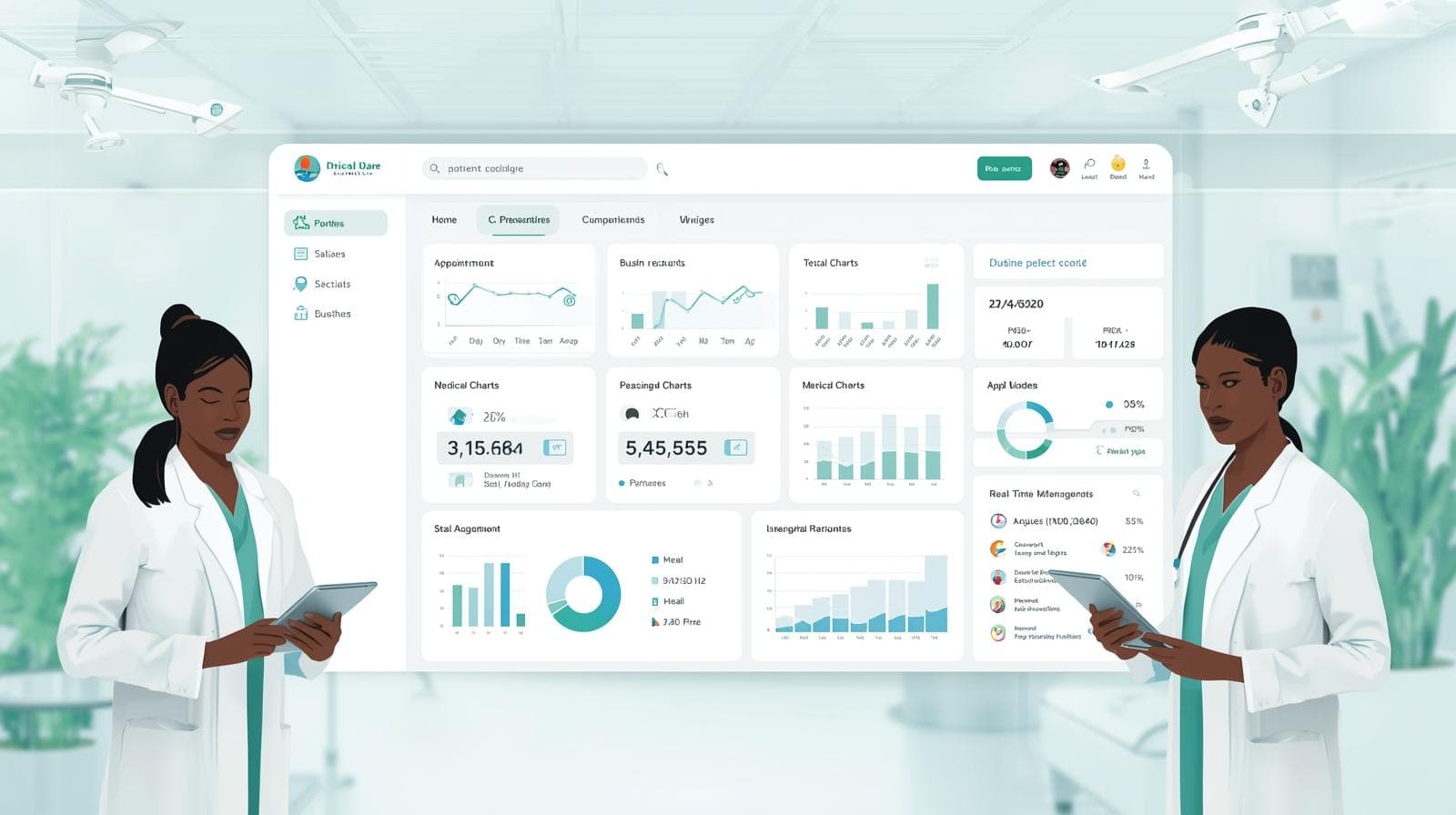
Visitor check-in, badges, host notifications, daily logs, exports, security reporting.
- • QR / code check-in
- • Host alerts
- • Visitor logs
- • Security reports

Purchase requests, vendors, quotations, approval stages, budgets, audit-ready logs.
- • Purchase requests
- • Approval stages
- • Vendor list
- • Budget tracking
Fault reporting, assignment, SLAs, escalation, completion proof, recurring inspections.
- • Ticket routing
- • SLA reminders
- • Escalations
- • Completion notes

Members, dues, attendance, events, follow-ups, announcements, reporting.
- • Member directory
- • Dues tracking
- • Events & attendance
- • Follow-ups

Admissions, attendance, fees, results, staff workflows, parent/student portals.
- • Admissions pipeline
- • Student portal
- • Fees & receipts
- • Result workflow
Instant on the surface. OS underneath.
You can start fast like a no-code builder — but you don’t hit the “complexity wall” when roles, approvals, workflows, and portals become necessary.

PeckPoint is not just pages. It’s Systems → Data → Views → Workflows → Policies → Portals.

Use a locked, maintained solution — or start editable and evolve it as your process matures.

Deploy public sites and role-based portals. Connect your own domain with SSL.

Run multiple organizations cleanly with data isolation, access logs, and audit trails.
Teams, institutions, and startups
PeckPoint is ideal when work has steps, approvals, roles, records, and policies — and you want a system that stays organized as you grow.

Ship admin tools + portals fast, then evolve the system without rewrites.
- • MVP admin + portal
- • Operations back-office
- • Workflow tracking
- • Reusable data model

Admissions, records, workflows, and student/parent portals — structured and consistent.
- • Admissions + records
- • Attendance + results
- • Fees + receipts

Requests, procurement, assets, tickets, and reporting in one system.
- • Requests & approvals
- • Procurement tracking
- • Asset + ticketing

Standardize processes across departments with audit-ready logs and consistent reporting.
- • Department workflows
- • Audit-ready logs
- • Cross-unit reporting
Move faster, reduce delays, stay organized
Practical wins — not just “features”.
Install a system, generate with AI, or build manually — then keep evolving without rebuilding.
Define core data once. Reuse it across apps, portals, dashboards, and workflows.
Approvals, routing, reminders, escalations — baked into the workflow engine.
HRM + CRM + School + custom tools — all inside one PeckPoint tenant with roles and access control.
System → Data → Views → Workflow
Start with one workflow, then expand into a complete operating system without rebuilding.
Install a ready system, ask AI to generate one, or start from scratch with the builder.
Instant table/grid views, record pages, search, filters, and role-based portals.
Approvals, routing, permissions, notifications, reminders — and audit-ready tracking.
Common questions
Yes. Startups use PeckPoint to ship MVPs faster: admin tools, customer portals, request/approval flows, and operational back-office systems — then keep evolving without rebuilding the foundation.
Not for the basics. Non-technical teams can model data, build views, and create workflows. Developers can later extend integrations or custom experiences — but PeckPoint reduces how much needs to be custom-built.
It’s a system builder. Forms exist, but the goal is end-to-end operations: records, views, workflow, portals, automation, and access control.
Yes. Choose Managed (locked + maintained) or Editable (customize entities, workflows, views with guardrails and upgrades).
Start instantly (install or AI). Keep it structured (data, views, workflows, policies, portals).
